AMP-PDRD Terra to Verily Workbench Workspace Migration
Overview
This command-line tool facilitates the migration of researcher data from a workspace in Terra to a workspace in Verily Workbench. It allows for a component-wise migration, giving users control over what parts of a workspace are copied. As Terra and Verily Workbench do not have identical functionality, not all contents of a Terra Workspace can be migrated, but most major components can be. If you have not yet familiarized yourself with AMP PD in Verily Workbench, please take some time to review the AMP PD Getting Started Guide.
We recommend running this migration from the Google Cloud Platform Cloud Shell, or from your local machine, using your end-user Google account credentials. Running this migration from a VM in either Terra or from Verily Workbench is not recommended, as those environments use service account credentials by default (for more information see these discussions of how the platforms use service accounts: Terra, Workbench).
When selecting a workspace to migrate, ensure that the Google account being used to perform the migration has read access to the source Terra workspace and write access to the target Verily Workbench workspace.
Create Target Workspace
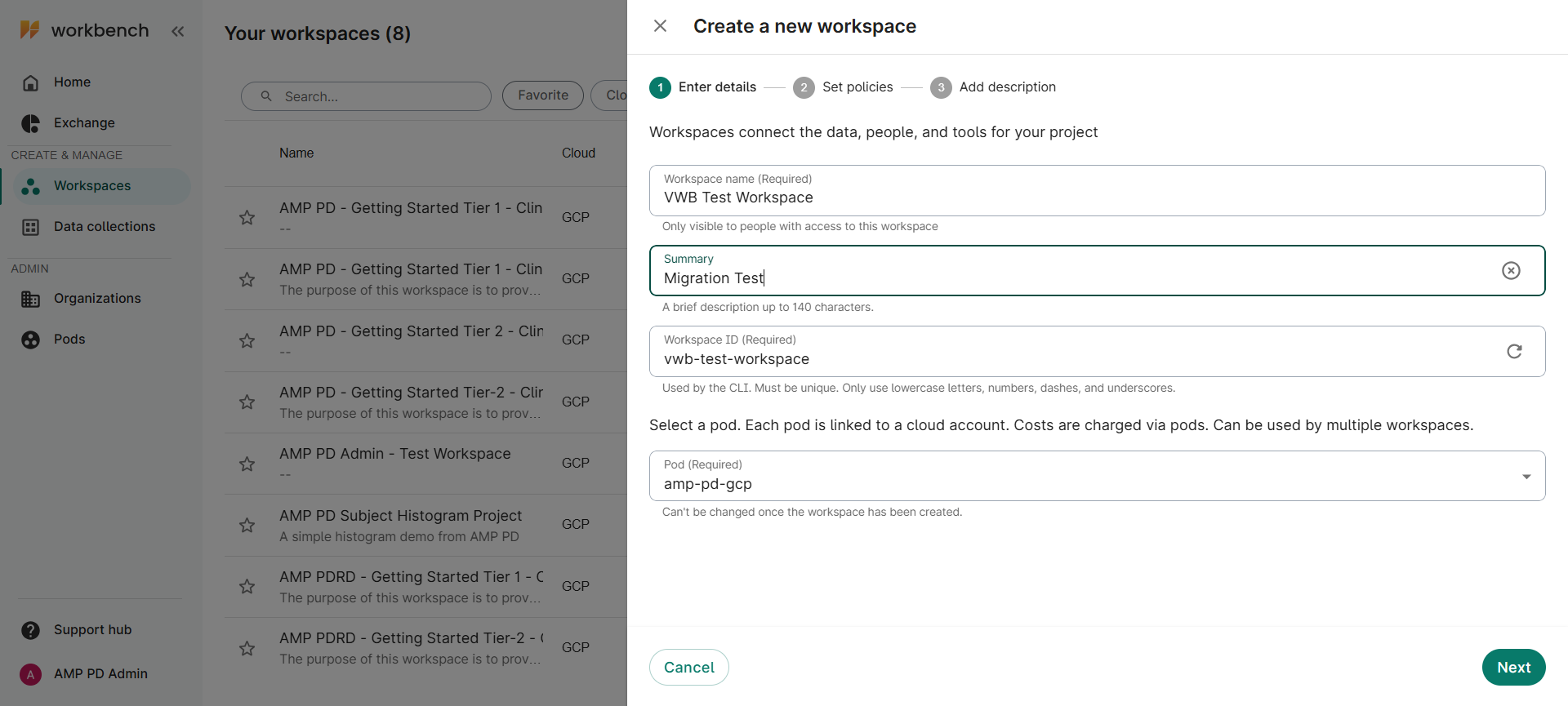
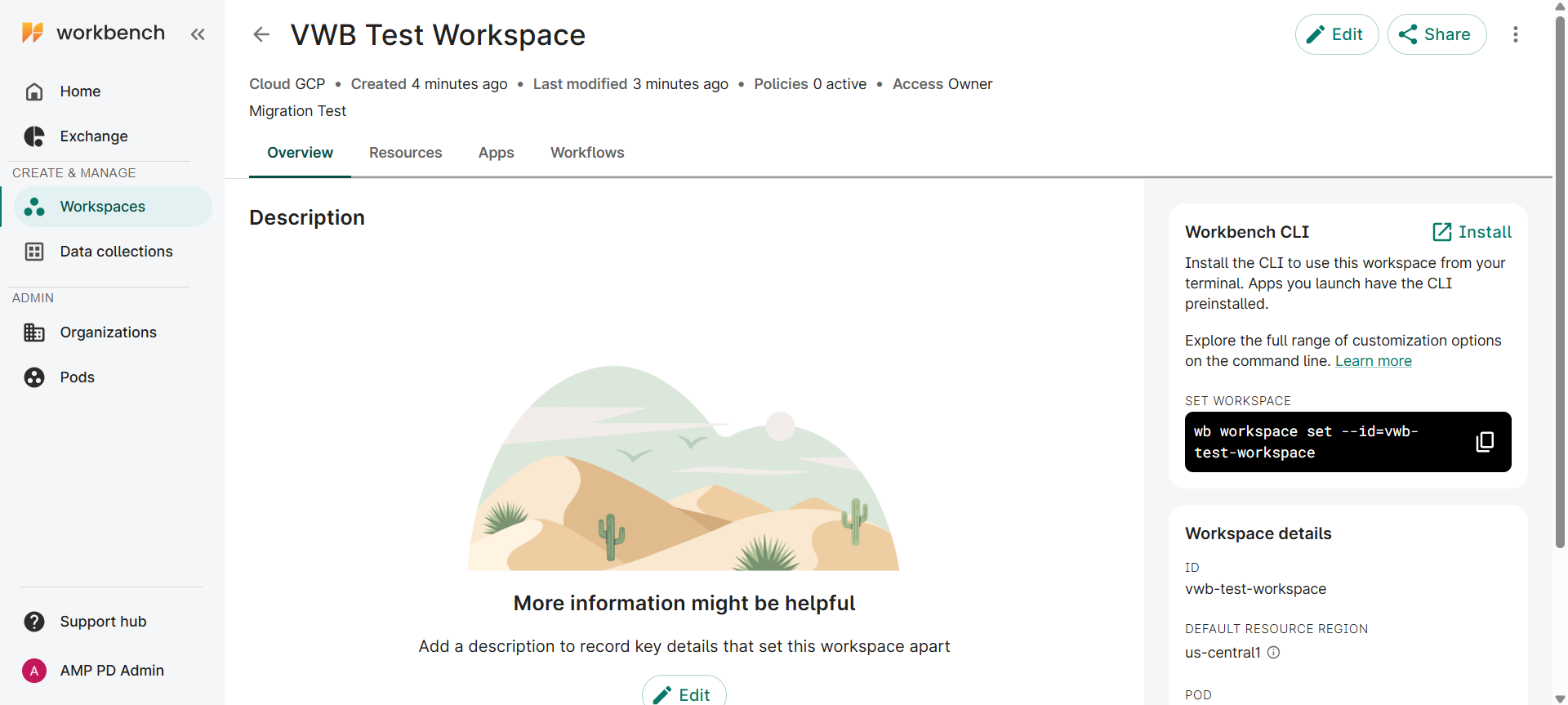
In Verily Workbench, create a new workspace, ensuring that the user account which will perform the migration has access to this target workspace. If there are authorization domains applied to the Terra workspace, ensure that the same group policies are applied to the target workspace in Verily Workbench. For Tier 1 data, the group is amp-pd-clinical-access. For Tier 2 data, the group is amp-pd-researchers.
Install Migration Tool
In the Google Cloud Platform, open a Cloud Shell\, which you can use to run the migration script. Your Verily Workbench workspace is backed by a Cloud project. To open the Cloud Shell for the Cloud project:
Open your workspace in Workbench and navigate to the Overview
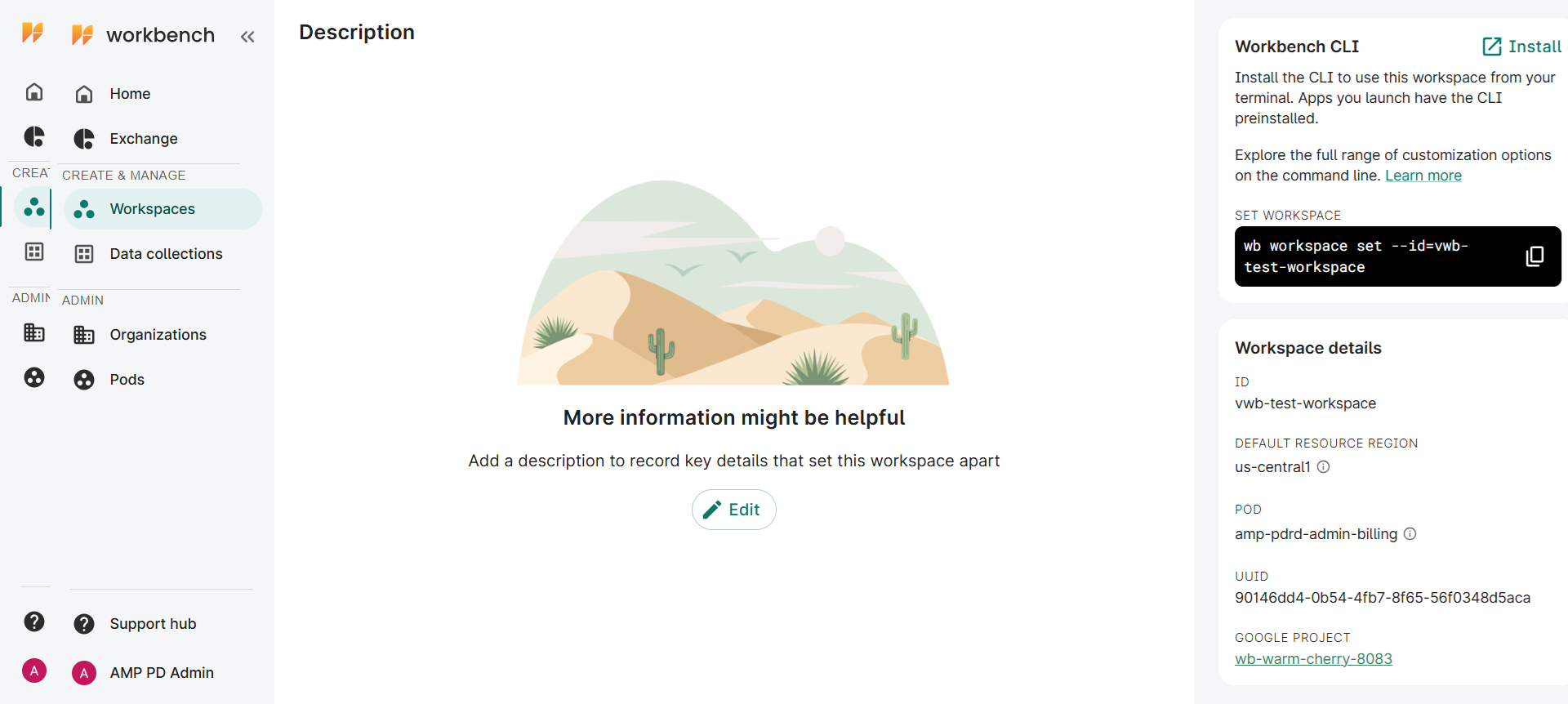
- On the right hand side information panel, click on the link to the workspace’s Cloud project, listed under the title “Google Project”
In the Cloud Console tab, select “Active Cloud Shell” from the icon bar in the top right corner of the window
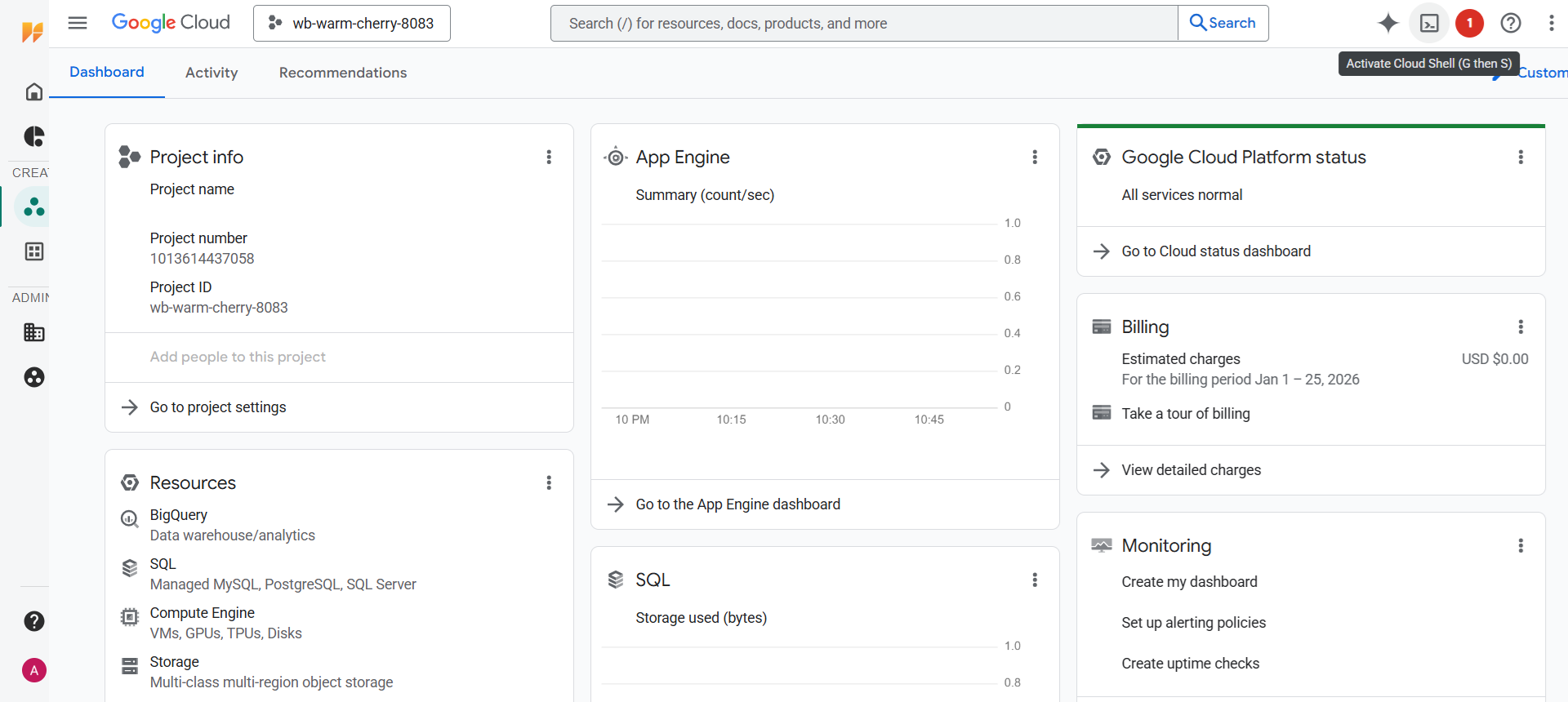
When prompted to “Authorize Cloud Shell”, click “Authorize”
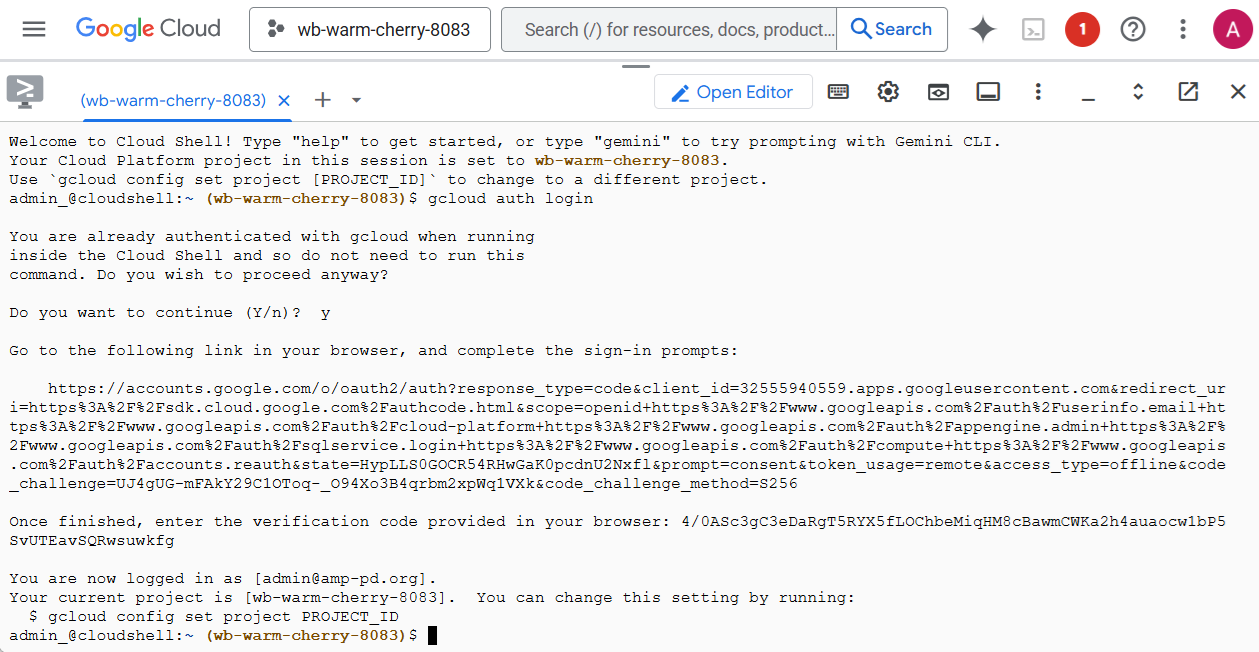
The cloud shell will have the prerequisite applications installed by default. If you are running from another machine, you will need to ensure that these applications are installed. It will be necessary to authenticate using ‘gcloud auth login’, even if the Cloud Shell is used.
Prerequisites
Before using this tool, ensure you have the following:
- Python (see .python-version for the specific version)
- uv to manage the Python environment and dependencies. See the official installation guide.
- Google Cloud SDK (gcloud) installed and authenticated. You can authenticate by running:
gcloud auth login

gcloud auth application-default login
Installation
Clone amp-pd-migrate Git Repository
git clone https://github.com/amp-pd/amp-pd-migrate.git

cd amp-pd-migrates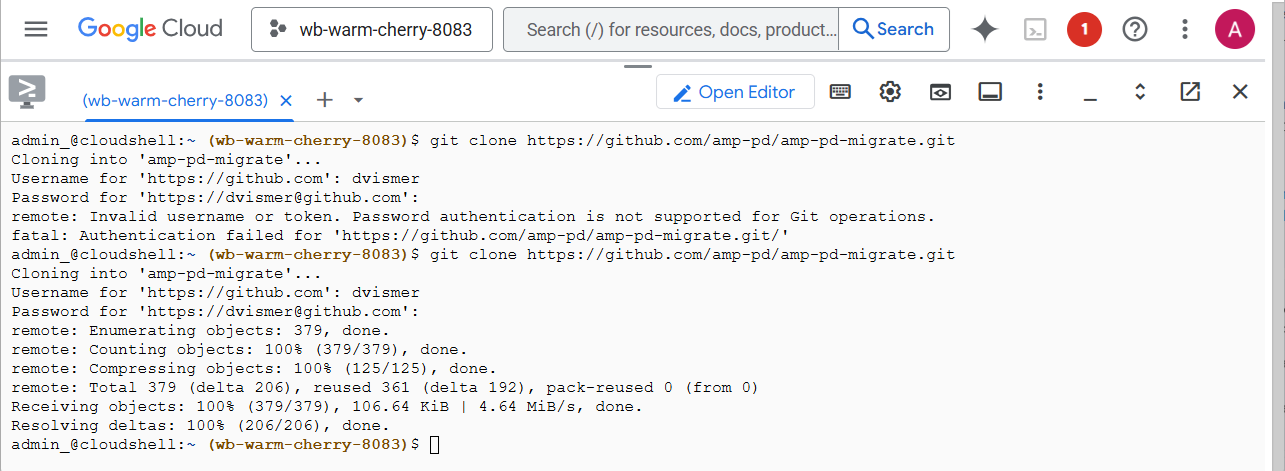
Create and activate a virtual environment:
uv venv

source .venv/bin/activate
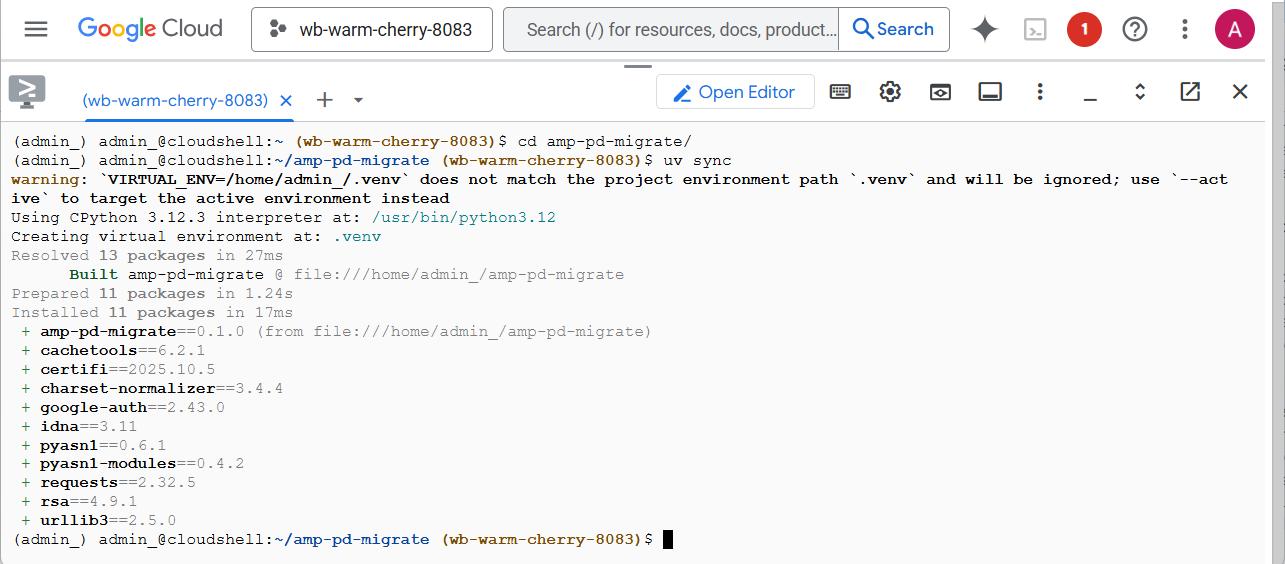
Install the tool and its dependencies:
uv sync
Usage
The tool comes with a command-line interface, amp-pd-migrate. Below is the basic syntax:
amp-pd-migrate --from-workspace <NAMESPACE>/<NAME> --to-workspace <WORKBENCH_ID> [OPTIONS]
Arguments
- --from-workspace: (Required) The source Terra workspace, specified as {namespace}/{name}.
- --to-workspace: (Required) The user-facing ID or name of the destination Verily Workbench workspace.
- --content: Specifies which components of the workspace to migrate. You can provide a space-separated list of components or all. Defaults to all.
- --allowed-auth-domains: A space-separated list of allowed Terra authorization domains. The migration will fail if the source workspace's auth domain is not in this list. Default: amp-pd-clinical-access amp-pd-researchers.
- --dry-run: Performs a trial run that logs all actions that would be taken without making any actual changes to the destination workspace.
- -v, --verbose: Enables verbose logging for debugging purposes.
Example
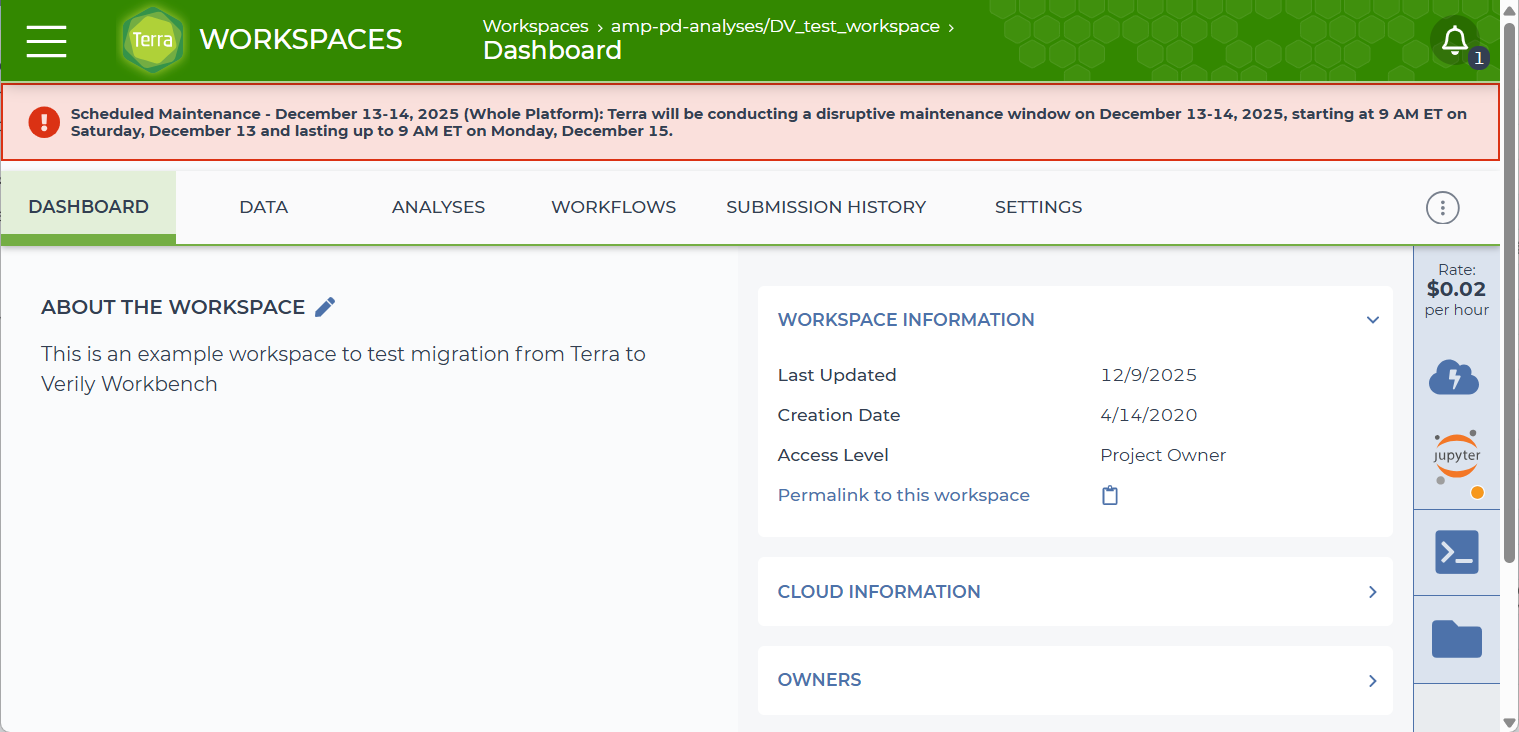
To migrate an entire workspace from Terra to Workbench:
amp-pd-migrate \

   --from-workspace my-terra-namespace/my-terra-workspace \

   --to-workspace my-workbench-ws
To perform a dry run that would migrate only the description and the bucket, use the –content flag:
amp-pd-migrate \
   --from-workspace my-terra-namespace/my-terra-workspace \

   --to-workspace my-workbench-ws \

   --content description bucket \

   --dry-run
Migration Components
The following components can be migrated using the --content flag:
- description: The workspace description.
- bucket: The contents of the Google Cloud Storage bucket associated with the workspace.
- variables: Workspace-level variables.
- workflows: Workflow configurations.
- history: Job submission history.
- entities: Data model entities (e.g., samples, participants).
- provenance: A record of the migration process.